TL - Confirm your Device Host PC Settings
To successfully connect your TL200 to your software account, you will need to confirm that the Host PC Settings are correct.
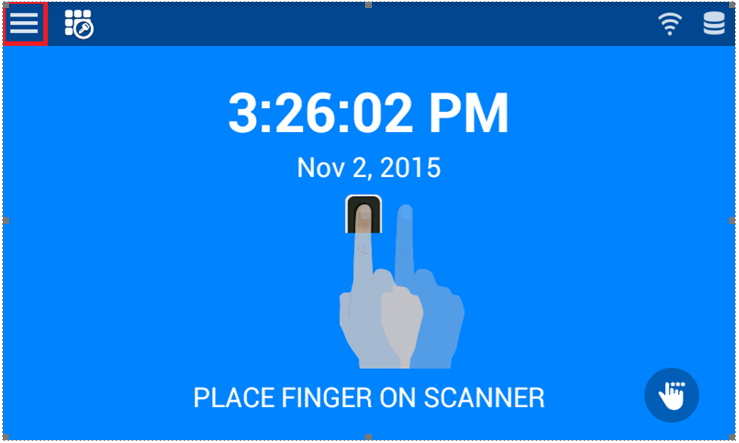
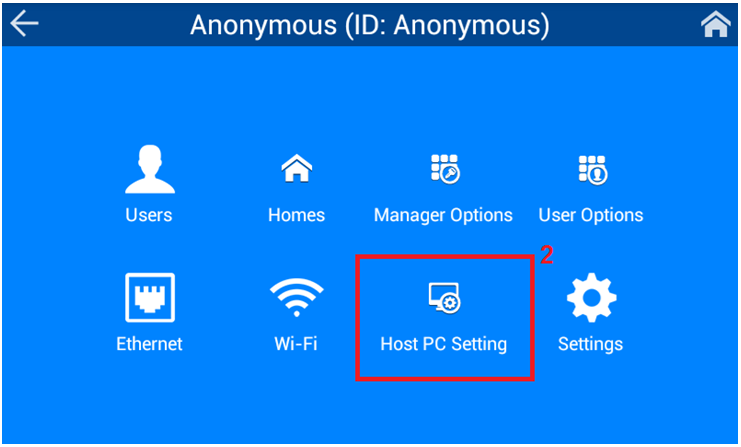
To confirm the Host PC Settings, navigate to:
1. Menu
2. Host PC Settings
The Xenio smart clock uses one of two options for the Host PC IP address and Host PC Port.
- Option 1 - Host PC IP address: 204.011.236.132 with corresponding Host PC Port: 443
If these settings do not work, you can test the following specifications:
- Option 2 - Host PC IP address: 204.011.236.181 with corresponding Host PC Port: 5011
